
Youngsville Court Docket Searches
Youngsville runs no municipal court docket or town court portal of its own. For a Youngsville case filed in Franklin County, the place to start is the public North Carolina eCourts Portal. It offers a view-only window into public Odyssey case information. Type in a known record number. Or search a name using the documented last, first, middle, suffix format. Results get sharper when you add the Franklin location and supported case criteria.
What you may see is a public Register of Actions. This Case Summary is built from the clerk's docket entries. Keep in mind that this summary is not a certified record. It also grants no filing access. Need a filed document, a certified copy, a paper-file check, or guidance on restricted records? Take that request to the Franklin Clerk of Superior Court.
- Check the Youngsville notice or ticket for county, case number, citation number, and court date.
- Search Portal with the exact number when possible.
- Use documented name order and Franklin criteria for a Youngsville name search.
- Review the public case summary and run Search Hearings for the current setting.
- Contact the clerk for the available Youngsville court-file route.
Youngsville Court Records State System
Youngsville is a place, not the keeper of Franklin County court records. Franklin joined eCourts/Odyssey on April 29, 2024. That shift made the Portal the hub for current electronic-era Youngsville case searches. Coverage has limits, though. Historic, paper-file, sealed, expunged, or restricted Youngsville records exist. Those can still require the clerk route in the county where the case sits. The Franklin eCourts launch announcement details that shift.
Even when the person, agency, or address involved is inside town limits, one rule holds. Youngsville court records remain state court records. Three things decide the correct source: the court notice, the court county, and the case location. For civic context on the town itself, the official Town of Youngsville site covers local matters.
Youngsville town information does not create a separate Youngsville court-record database.
Inside Youngsville Municipal Court
Youngsville has no municipal court and no town court calendar. North Carolina's trial divisions hear every Franklin County state-law matter, not a local bench. District Court ordinarily takes Franklin-venue misdemeanors and infractions. Superior Court holds felony jurisdiction. Magistrates carry limited functions, and the Franklin clerk keeps the county's court records.
Never route a records request from the town name alone. A police interaction may create an agency record. But a court-file request needs venue and case information. A Youngsville citation listing Franklin County goes through the Franklin court route. A matter filed elsewhere belongs with that county's court and clerk.
Youngsville record boundary: town materials are civic context, while a court case follows its state-court venue and clerk-held file.
Youngsville Police and Court Dockets
Youngsville official materials confirm a town police department exists. An agency record, though, is not a Youngsville court docket. Police reports, incident records, and court files sit with separate custodians under separate access rules. The citation or notice bridges the two worlds. It carries the court date, county, and case information you need to find a Youngsville-related court matter through the proper court channel. For municipal context, the Youngsville town document is a local source. It is not a case search interface.
For a Youngsville court file, use Portal for eligible public information. For the court-held record, go to the Franklin clerk.
Finding Youngsville Court Dates
Confirm any Youngsville court date from the notice or order first. For a Franklin-venue case, Portal Search Hearings is the tool. It lets you look by case number, party, business, attorney, judicial officer, courtroom, hearing type, location, and date range. The official Court Dates route plus the county's schedule resources add extra checks. When the Youngsville matter sits in Franklin County, select Franklin.
Hearing information can shift. A case summary shows public docket history, while a hearing search covers scheduled events. Weather or emergency changes may bring mailed rescheduling notice. The clerk can confirm the resulting court date.
| Date | The Youngsville-related setting date shown in the current notice or official result. |
|---|---|
| Time | The stated setting time, which does not guarantee hearing length. |
| Location | The Franklin court location in the notice, not Youngsville Town Hall. |
| Court | The listed trial division or courtroom for the public setting. |
| Setting type | The event label that should be read with current case information. |
Youngsville Court Building Check
Youngsville cases belonging to Franklin County use the county facilities in Louisburg. Still, do not guess the building from case type alone. The historic courthouse and the Hobgood Annex split local functions. They do not form separate court systems. The notice, hearing search, calendar, or clerk tells you the actual setting for your Youngsville case.
For hours, address, accessibility, and current building details, one page is the live source: the Franklin County Courthouse page. The courthouse offers a Nash Street accessible entrance. The annex has one on Main Street. Youngsville court visitors should also review current device and courtroom instructions.
Youngsville Traffic Ticket Lookups
A Youngsville traffic ticket does not spawn a town traffic court database. A state-law citation with Franklin County venue generally runs through Franklin District Court. Three identifiers control everything. These are the county printed on the ticket, the citation information, and the court date. Portal Advanced Search lists Citation Number as a search type. The public Portal also keeps search, hearing, and payment functions separate.
Payment works only when the case qualifies. Paying an eligible waiver carries a court consequence. It cannot change a charge, dispute a citation, or pick a new date. For current county mail, counter, and after-hours routing, the Franklin payment page has the details.
Youngsville Citation Payment Check
Start with the ticket itself. Read it and confirm the court date before doing anything else. Franklin payment rules allow a money order or certified check by mail. That applies when a payment is eligible. Cash and personal checks are out. Include the citation number with the mailed payment. For paying in person, the current Franklin payment page lists the accepted methods and locations.
Youngsville court records can reveal a public case status. Still, a payment screen is no substitute for a notice or clerk confirmation. A Youngsville citation may not appear for payment. Check the case number, date, eligibility, and venue with the clerk. A missing payment option is not proof that no court action is needed.
How Youngsville Cases Reach the County
Youngsville cases reach county court by venue. Franklin-venue infractions and misdemeanors ordinarily begin in District Court. Felonies fall within Superior Court's original jurisdiction. Civil, domestic, estate, special-proceeding, and small-claim paths carry their own case types. The Franklin clerk remains the practical records desk for the county case.
Docket flow: Youngsville agency or citation › Franklin District Court or magistrate route › Franklin Superior Court when required › Franklin Clerk of Superior Court file.
A Youngsville name alone does not select the court. The route is the actual case county shown on the ticket, the notice, or the Portal location. The county-wide Docket Search gives the fuller public workflow.
Youngsville Court Records Clerk First
Ask the Franklin clerk for the exact service. Options include inspection, an ordinary copy, a certified copy, or exemplification. File-location checks and transcript details are separate asks. A clear request names the county, the case type, the exact case number when known, the party name as the court formats it, and the specific document sought.
Clerk offices also hold public terminals. Those terminals run under statewide court-record guidance. Paper files can be viewed in the county where the case is located. Ask for the Franklin terminal and the file counter. Do not assume every file, image, or document appears on a public screen.
Franklin Clerk of Superior Court
For a Youngsville Franklin-venue case, the clerk handles file access, copies, certification, and record routing.
(919) 497-4200
Who Can See Youngsville Court Records
Franklin files hold Youngsville court records. Access runs only as far as North Carolina law and case-specific orders allow. The clerk keeps files, dockets, and indexes open for inspection during regular hours. That holds unless access is barred. Portal helps with available public information. It does not make every Youngsville case document available remotely. It cannot replace an official record request.
Key Rules:
G.S. 7A-109 governs clerk-maintained files, dockets, indexes, and conditional public inspection.
G.S. 132-6 covers prompt inspection and copies of public records.
G.S. 1-72.1 supplies a civil procedure for access and sealing decisions.
A seal, a juvenile rule, or a protective-order rule can close off a Youngsville court record. So can a confidentiality law, an expunction, or another court-authorized limit.
Youngsville Court Records Context
A court record is not a census table. It is not a town directory, police file, or town-hall record either. The 2020 incorporated-place material explains the local population selection method. It names no court, hearing, or case outcome. Venue and case facts still come first.
The official Census incorporated-place table holds the source context for Youngsville's city profile.
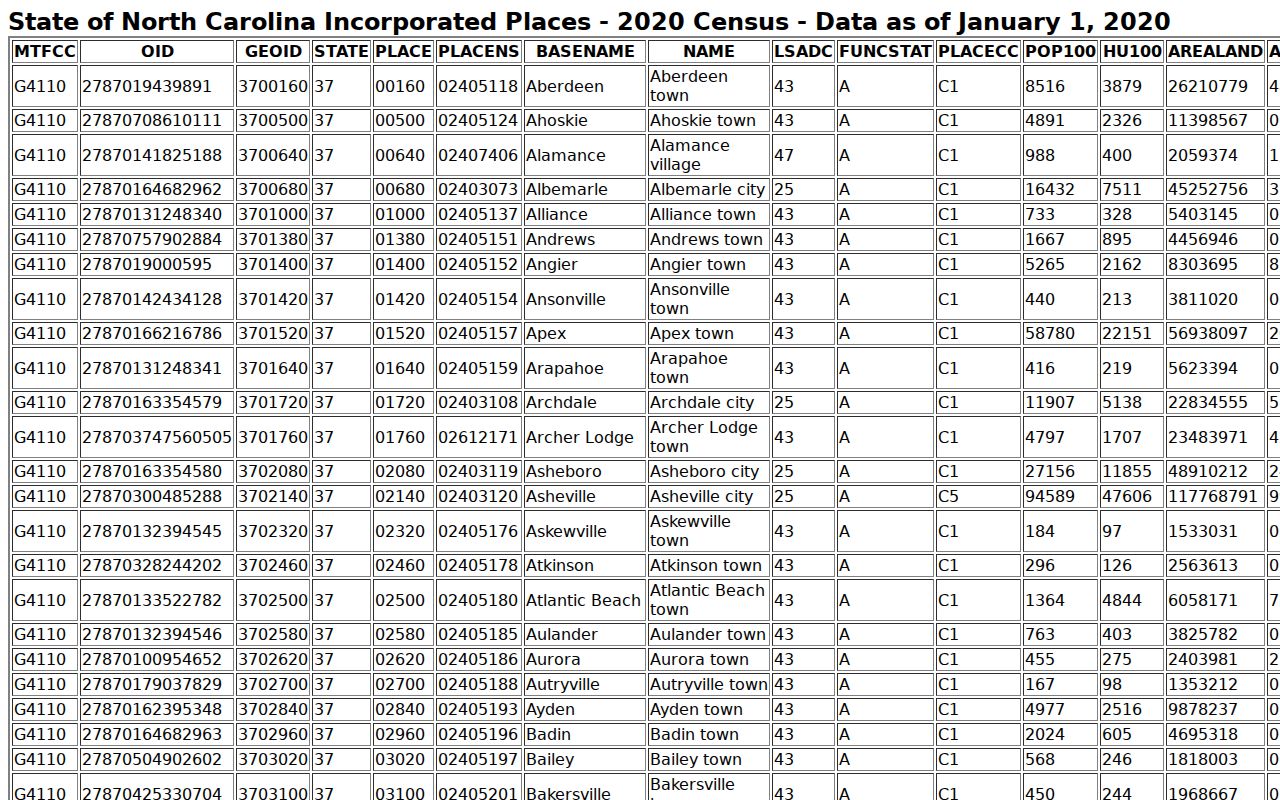
Youngsville population context answers none of that. It cannot replace Portal, a notice, or the clerk-held court file for a real record question. The clearer approach is matching each source to its own job. Portal Smart Search handles eligible public Youngsville case information. Search Hearings handles available scheduling information.
Court Dates and the county schedule routes help cross-check a setting. The clerk remains the place for file inspection, copies, certification, paper-file questions, and restriction questions. Each source plays one role. None is a complete substitute for the rest.
Online results also deserve modest expectations. Franklin's eCourts launch made the Portal a key Youngsville search tool, yet public availability still depends on the record, access law, county implementation, and search method. An empty Youngsville result has many causes. The format may be wrong, the case may sit in another venue, access may be limited, the file may be legacy, or no public case may match. Check the exact case information next. Then ask the county clerk about the available route.
For a Youngsville hearing, the notice or order still comes first. A Portal result can support the check. The clerk can settle a court-service question. Never turn a historic calendar, an agency record, or a general town source into a new Youngsville setting. Current court information controls the date, the location, and the next required action.
File access also varies by request. A clerk-held paper file, a terminal result, a certified copy, a court-reporter transcript, and an available audio record are all different services. The state sends users to the clerk for case-file access. A separate route exists for an available releasable audio request. Name the document or service. A vague ask for a full record slows everything down.
Court dates differ from records access. The notice identifies the individual setting, a hearing search shows scheduled data, administrative schedules organize the calendar, and a public case summary records visible activity. Adding the Franklin clerk's confirmation keeps one dated result from carrying all the weight. A no-result can reflect a restricted record, a search issue, a legacy file, or no matching public case.